
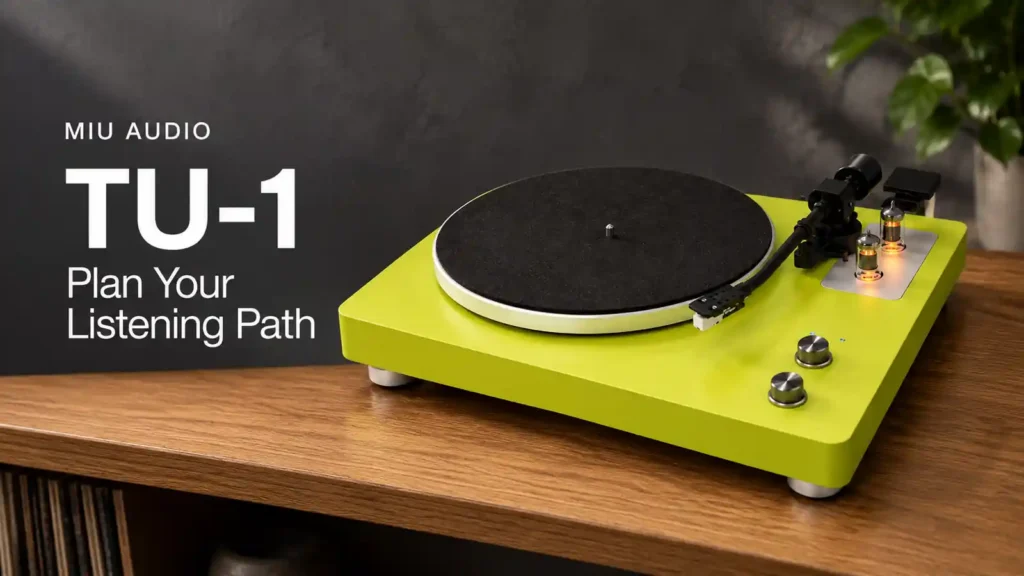
To plan a TU-1 wired or wireless listening path, identify where the music leaves the turntable, where it needs to arrive and which device controls the listening level. Then confirm the exact connection in the current instructions for both devices. A connector that fits or a Bluetooth label alone is not a compatibility check. This guide helps you prepare useful questions before a demonstration; it is not a wiring or pairing procedure.
Start at the destination, not the cable drawer
Write down how you want to listen: a record session at your normal seat, with the equipment you actually intend to use. Name the receiving device and its exact input. A note such as “the music system” leaves too much unresolved. A more useful note identifies the unit, the input label and the person who will confirm the arrangement.
The TU-1 product overview lists Bluetooth output and stereo RCA connectivity. Treat those as two paths to investigate, not a promise that every wireless receiver or amplifier will work. The overview does not replace the model’s operating instructions or establish which settings apply to your unit.
Keep an output and an input in the right direction
For a wireless plan, ask which device sends the audio and which receives it. Bluetooth SIG describes point-to-point communication as a one-to-one connection, including audio-streaming applications. That general description explains the planning question; it does not confirm a TU-1 Bluetooth version, codec, range, pairing sequence or connection to a particular receiver.
Do not assume that two devices advertising Bluetooth can exchange audio in the direction you need. Ask Miu Audio to confirm the proposed receiver with the actual TU-1. If the answer is not yet available, keep that line in your plan marked “to confirm” rather than buying extra adapters on an assumption.
For a wired path, ask what each label means
Copy the output and input labels exactly. Ask which signal level the TU-1 output provides, which input the receiving device accepts and whether any additional stage is required. Do not infer those answers from the shape or colour of a plug. A ground terminal is also not an invitation to improvise an electrical connection.
Leave the cable choice until the required path is confirmed. Your list can have four columns: TU-1 output, receiving input, required settings and confirmation source. A complete row is one that somebody can explain using the applicable instructions. This article deliberately supplies no switch position, pinout or electrical adjustment.
Find the volume control before a demonstration
Ask which control changes the final listening level and what the recommended starting procedure is. Do not assume that a control on one device affects every possible output. Have the demonstrator show the normal routine with the exact system rather than trying an unfamiliar connection at a previously used setting.
Keep the first session simple: one confirmed path, one record and one listening position. Once you understand that arrangement, ask how the alternative path would be set up. There is no need to connect both routes at once to decide which fits your home. Follow the current instructions before changing cables or modes.
Choose a routine, not a universal winner
Your practical priorities may include where the receiving equipment can sit, how often you change sources and whether other people will use the system. These are good reasons to ask for a demonstration of a routine. They are not evidence that wired playback always sounds better, or that wireless playback is indistinguishable in every situation.
Write a short decision note after the session: the confirmed path, the controls you used, what remained unclear and what you would like explained again. For listening preparation, see the first TU-1 record-session checklist. For a connection question, contact Miu Audio with the model names and input labels, without sending private account details.
Frequently asked questions
Does Bluetooth output mean TU-1 connects to every wireless speaker?
No. Confirm the receiving device, supported audio direction and applicable pairing instructions. This guide makes no receiver-specific compatibility, codec or range claim.
Can I choose an RCA cable by connector shape alone?
No. First confirm the output signal, receiving input and any required stage or setting using the instructions for both units. Matching plugs do not settle those questions.
Should I compare wired and wireless routes at the same time?
Begin with one confirmed arrangement. Ask for the procedure for changing routes before attempting a comparison, and keep the record and listening position consistent.
What should I ask before taking a TU-1 home?
Ask for the current manual, the exact intended path, the volume-control routine and confirmation of the receiving equipment. Check current availability separately; this guide is an educational preview, not a stock or purchase offer.
Sources and scope
Miu Audio Featured Products supports the narrowly stated TU-1 output features. Bluetooth SIG Topology Options supplies general one-to-one communication context, not product certification. The planning worksheet is editorial guidance, not tested TU-1 performance. Browse more Miu Audio listening guides.