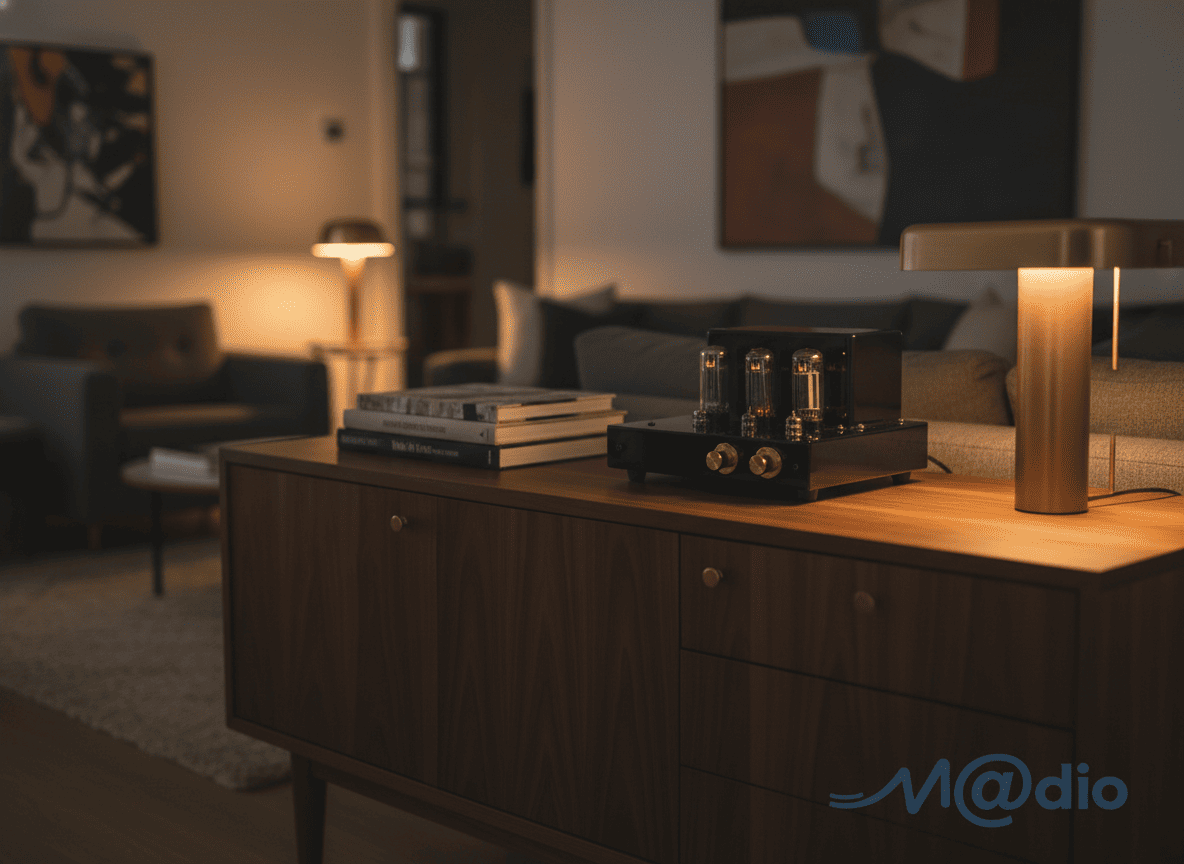
With the crisp autumn air moving into Melbourne, hybrid workers are naturally spending more hours indoors. When your home office desk serves as both a command center for deep work and a sanctuary for post-work relaxation, optimizing your environment is essential for surviving the cooler months. The most overlooked, yet profound, productivity hack? Ditching your laptop’s built-in soundcard for a dedicated desktop audio setup.
The Silent Epidemic of Listening Fatigue
Many professionals invest in high-quality headphones, only to plug them directly into their laptop. Standard computer motherboards are incredibly noisy electrical environments. They utilize cheap, compressed audio chips that struggle to accurately reproduce sound, resulting in a flat soundstage, harsh treble, and a subtle but constant background hiss. Over an eight-hour shift, this lack of clarity forces your brain to work overtime to process the audio, leading directly to “listening fatigue,” headaches, and a loss of focus.
Why a Dedicated DAC/Amp Changes Everything
A dedicated desktop DAC (Digital-to-Analog Converter) combined with a robust headphone amplifier completely bypasses your laptop’s internal processing. By handling the audio conversion externally, a DAC provides a pitch-black, silent background. Every instrument separates, vocals become lifelike, and the expansive soundstage pulls you into an immersive flow state. It transforms background music from a distracting noise into a powerful tool for deep concentration.
Interactive: Desktop Synergy & Power Calculator
Not all headphones can be driven by a simple laptop jack. Enter your headphone’s impedance (Ohms) below to see what kind of desktop amplification you need to eliminate fatigue and unlock true clarity.
Avoid the Spec Sheet Guesswork
While the upgrade is undeniable, the complexity of matching a DAC and amplifier with specific headphones cannot be overstated. A DAC that reviewers label “analytical and bright” might sound piercing when paired with treble-focused headphones. Buying audio gear online based on star ratings is a risky blind buy that often leads to disappointment and a lack of local warranty support.
True audio synergy requires careful research to be fully understood. Take the time to understand the harmonic characteristics of your chosen headphones, read deeply into how different DACs decode audio, and theoretically pair them with the right amplifier topology. Thoroughly exploring these combinations online allows you to find the perfect, fatigue-free synergy to elevate your daily productivity.
Frequently Asked Questions
Will a desktop DAC and Amplifier take up too much space on my desk?
Not at all. High-end audio engineering has evolved beautifully. Many premium desktop DAC/Amp combos—or modular “stacks”—are incredibly compact, often taking up less surface area than a standard mousepad. They integrate seamlessly into minimalist WFH setups, providing maximum audiophile power without the clutter.
Can I just use a portable USB dongle instead of a desktop unit?
Portable USB DAC/Amps are fantastic for cafe working or commuting. However, for a dedicated home office setup driving high-end, demanding headphones, a desktop unit plugged into a wall power supply will always provide superior dynamic range, tighter bass control, and better overall component quality compared to a device restricted by USB power limits.
Why is a local Australian warranty so important for electronics?
Desktop amplifiers and DACs are complex electronic instruments. Purchasing from overseas grey-market websites leaves you completely unprotected if a capacitor fails or a volume potentiometer develops static. Buying from authorized local dealers guarantees swift, expert service under Australian Consumer Law, ensuring your productivity is never interrupted for long.
Keep a symptom diary before calling audio a productivity fix
A DAC cannot promise better work, cure headaches or eliminate all uncomfortable listening. Nor is a wall-powered unit inherently superior to a portable one. Establish what is happening in your actual routine before attributing it to a computer's converter.
- For a few ordinary sessions, record the application, headphone, approximate listening duration and the moment you wanted to stop or change something. Do not extend listening to create data.
- Distinguish a physical pressure point, an audible fault and a distracting recording. These observations suggest different questions; describing all of them as 'synergy' can obscure the useful detail.
- Check the exact computer's documented output capability. Built-in conversion varies, so a component's location is not a diagnosis of its quality.
- If a fault can be repeated, test the same passage and connection state with one known-working alternative at a time. Keep a log of what changed and what did not.
- Evaluate a proposed device against the named need: usable controls, a missing input or suitable output for the headphone. Keep a personal music preference separate from an assertion about productivity or health.
Symptom-diary questions
Does impedance predict whether I will get a headache?
No. Do not treat an impedance calculator as a health assessment. Persistent or concerning symptoms deserve appropriate professional advice, not a guaranteed equipment remedy.
What if a portable device already does everything required?
Retaining it is reasonable. Desktop size and an external power supply are not themselves proof of a better result.
Technical context: documented built-in conversion; actual amplifier load requirements.