
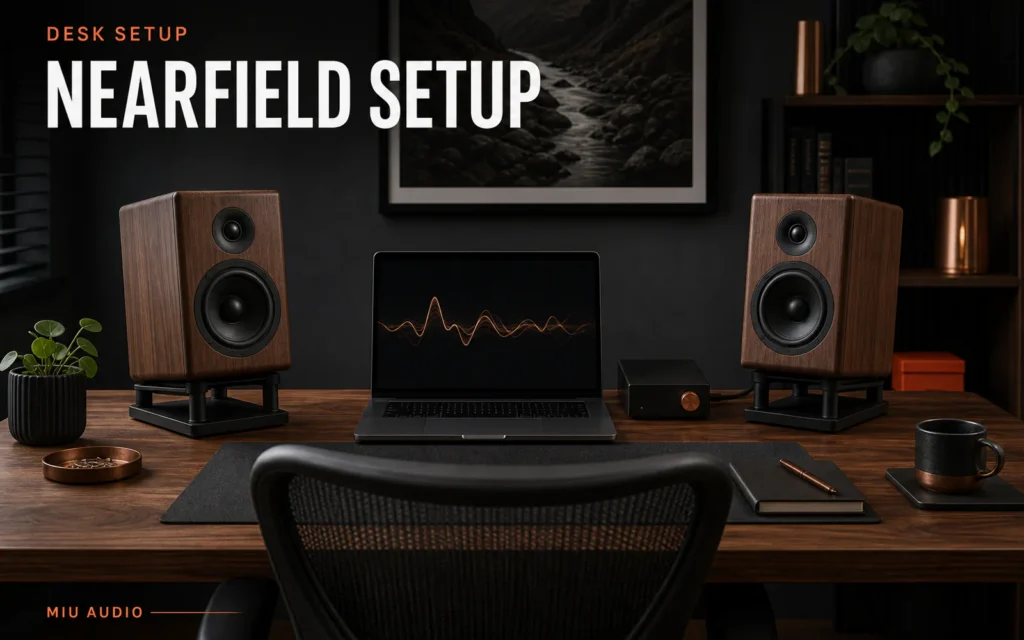
The short answer: place the speakers and your head at roughly equal distances, raise or tilt the acoustic axes towards seated ear height, keep the pair symmetrical, and reduce the amount of desk between the drivers and your ears. Start close enough that direct sound dominates without crowding the workspace.
Genelec recommends a symmetrical stereo arrangement, ear-level acoustic axes for typical two-way monitors and attention to work-surface reflections. Its Iso-Pod guidance also identifies vibration transmission and desktop reflection as common problems.
Choose the listening point before placing speakers
Sit in the normal working posture and mark the head position. Measure a compact equilateral or near-equilateral triangle from that point. Do not use the keyboard or monitor centre as a substitute for the actual ear position.
Keep both speakers equally distant. A difference of only a few centimetres matters more in nearfield listening because the total path is short.
Raise the acoustic axis above desk reflections
If the speakers sit low, the desktop can create an early reflection that combines with direct sound. Use stable purpose-designed stands or isolation supports to raise and aim the cabinets. Keep left and right heights identical.
Avoid improvised stacks of books or soft materials that can shift, block vents or mark a cabinet. Follow the support and speaker weight limits.
Keep screens out of the direct path
A large display between the speakers can reflect sound or block part of a cabinet. Keep the speaker fronts at or ahead of the screen plane where practical, with clear line of sight from drivers to ears.
If a screen must remain close, test small front-back moves while speaker spacing and volume stay fixed. Record the position that gives the most stable central voice.
Tune wall and desk distance separately
- Set equal left-right distance and initial toe-in.
- Move both speakers forward or backward together to test rear-wall effects.
- Change support height or tilt without changing wall distance.
- Replay the same vocal and bass excerpts.
- Keep the chair and software volume fixed.
- Record the final coordinates and cable route.
Make the desk practical for daily use
Route cables so monitor arms, drawers and sit-stand movement cannot pull a speaker. Keep drinks away from electronics and maintain ventilation around amplifiers or powered speakers.
Check the setup at working and relaxed listening postures. A precise triangle that fails when you lean back may need slightly wider aiming or a more stable chair position.
Practical checklist
- Normal seated ear position is marked.
- Speaker-to-ear distances are equal.
- Acoustic axes aim near ear height.
- Stable supports suit cabinet weight and finish.
- The display does not block the direct path.
- Desk and rear-wall variables are tested separately.
- Cables remain safe through desk movement.
Troubleshooting guide
| What you notice | Check first | Next step |
|---|---|---|
| Voice appears below the screen | Speaker axis height and tilt | Raise or aim both speakers equally |
| Midrange changes when leaning forward | Desk reflection and short listening distance | Adjust support height or speaker position |
| Centre pulls to one side | Nearfield distance accuracy | Remeasure both paths from the head position |
| Bass is boomy at the desk | Rear wall, desktop and corner proximity | Move both cabinets in equal small steps |
Continue your Miu Audio research
Compact listening benefits from the same measured discipline as a room system. Review the Miu Audio LS3/5a dimensions and specifications before deciding whether its cabinet and stand requirements suit a desk.
- Explore the confirmed Miu Audio LS3/5a
- Browse Audiophile Hi-Fi guides
- Plan a Springvale showroom visit
Frequently asked questions
How far apart should nearfield speakers be?
Begin with speaker spacing close to the distance from each speaker to your head, then adjust while preserving equal left and right paths.
Should desktop speakers be at ear height?
Aim the manufacturer's acoustic axis near seated ear height using stable stands or approved tilt. Exact axis location depends on the speaker.
Do I need isolation pads on a desk?
They can reduce vibration and help aiming when designed for the speaker, but they do not replace stable support or correct geometry.
Can the computer monitor sit between the speakers?
Yes, but keep it from blocking the drivers and test its reflective effect. Speaker fronts at or ahead of the screen often provide a useful starting point.
Sources
- How To Place Your Monitors, Genelec, accessed 30 July 2026.
- Iso-Pod Stand, Genelec, accessed 30 July 2026.
- Miu Audio Featured Products, Miu Audio, accessed 30 July 2026.
Desk dimensions, speaker ventilation and support limits vary. Use stable rated supports, preserve clear airflow and make only reversible placement changes at safe levels.