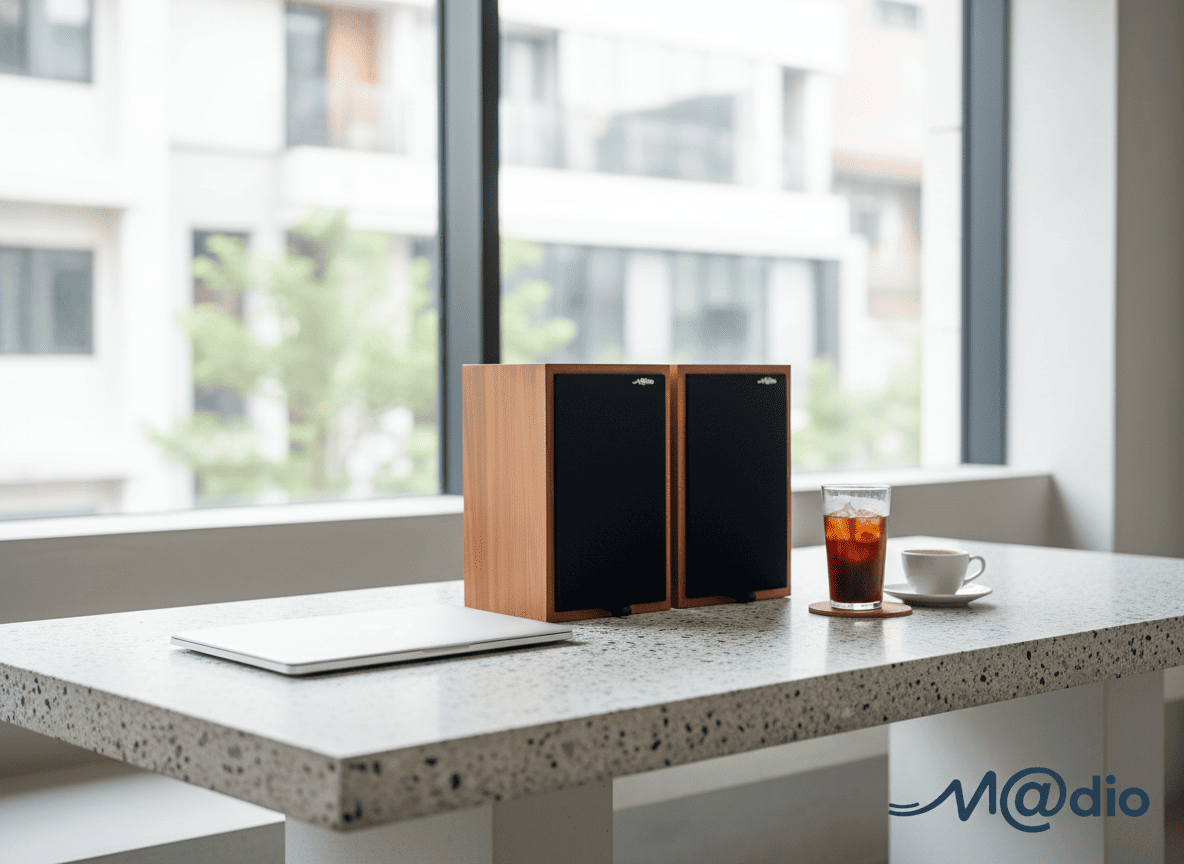
With Daylight Saving Time ending this weekend, Melbourne is officially shifting gears. As the sun sets earlier and a crisp autumn chill fills the air, our focus naturally moves from outdoor summer living to the comfort of our indoor spaces. For professionals working from home, these darker, longer evenings present the perfect opportunity to transform your standard desk into a cozy, immersive audio sanctuary.
Maximizing Minimal Apartment Space
Living in a Melbourne apartment often means dealing with spatial constraints. You might not have the room for towering floor-standing speakers or a dedicated listening lounge. This is where high-end desktop audio shines. A premium, compact DAC (Digital-to-Analog Converter) and Amplifier combo, paired with a sophisticated set of headphones, can deliver a breathtaking, three-dimensional soundstage without taking up more space than a hardcover book.
The Hidden Dangers of “Blind Buying” Online
Building a desktop setup sounds simple, but the reality of audio synergy is complex. Reading online reviews and buying the most “hyped” equipment without listening to it is a risky game. A DAC/Amp that measures perfectly on a graph might sound clinically fatiguing when paired with your specific headphones. Furthermore, purchasing grey-market units online strips you of crucial local warranty support. When investing in high-fidelity audio, you are not just buying specifications; you are buying an experience.
Interactive: Headphone Impedance Matching Calculator
Not sure if your headphones need a dedicated desktop amplifier? Enter the impedance (Ohms) of your headphones below to evaluate your synergy requirements.
The Value of Physical Verification
Because audio is deeply subjective, the only foolproof way to build your ultimate autumn desktop setup is to verify the equipment synergy in person. Reading spec sheets cannot tell you how a specific DAC and amplifier combination will interact with the unique drivers of your headphones.
By taking the time to physically audition the gear with your own laptop and music files, you ensure your WFH desk becomes a true sanctuary of relaxation, rather than a source of listening fatigue. Furthermore, securing your investment with a reliable local Australian warranty protects you against the inherent risks of grey-market imports, giving you total peace of mind for years to come.
Frequently Asked Questions
Why can’t I just plug high-end headphones directly into my laptop?
Most laptops feature basic built-in audio chips designed to save space and cost. They lack the dedicated power required to properly drive high-impedance audiophile headphones. Without a dedicated DAC and Amp, you will likely experience a flat, compressed soundstage and a lack of precise bass control.
What is desktop audio “synergy”?
Synergy refers to the unique relationship between your DAC, amplifier, and headphones. Some headphones naturally sound “bright” (emphasizing treble), while some amplifiers sound “warm” (emphasizing mid-bass). Finding the right synergy means matching these characteristics to suit your personal hearing preferences, preventing listening fatigue over long WFH sessions.
Why is it important to test with my own laptop?
Your laptop is the primary source of your music. By bringing your own device and familiar high-resolution music files to a physical audition, you can accurately judge the true upgrade in sound quality that a new DAC/Amp combo will provide in your daily routine.
Create a repeatable handover from work desk to listening desk
A useful small-space system is one you can operate without disrupting the next morning's work. Start by mapping the handover rather than buying a stack. An external DAC is optional when the existing output meets the actual headphone's needs; the appearance of a compact setup does not establish its compatibility.
- Write two short connection lists: 'work call' and 'music'. Include the selected output, microphone, volume control and any adapter used in each mode.
- Practise the transition with playback stopped and level reduced. Confirm that reconnecting a device does not unexpectedly send notifications through loudspeakers or leave the call microphone on the wrong input.
- Place the controls where you can reach them from your ordinary chair. Leave enough cable movement for typing and standing without pulling a connector. Follow each device's space and ventilation instructions rather than fitting everything under the screen.
- Save a familiar track and note its application settings. Use this same baseline after any connection change; troubleshoot a routing problem before interpreting it as an equipment sound signature.
- End the session by returning to the recorded work configuration. The next morning, test a short call or recording before the first meeting.
Desk handover questions
Can a headphone impedance number select the whole system?
No. Sensitivity, supported outputs and the amplifier's specifications also matter.
What if I hear no useful difference after adding equipment?
Judge whether it still solves a practical need, such as an additional input or convenient control. There is no obligation to describe an audible improvement.
Technical context: documented built-in audio capability and headphone load considerations.