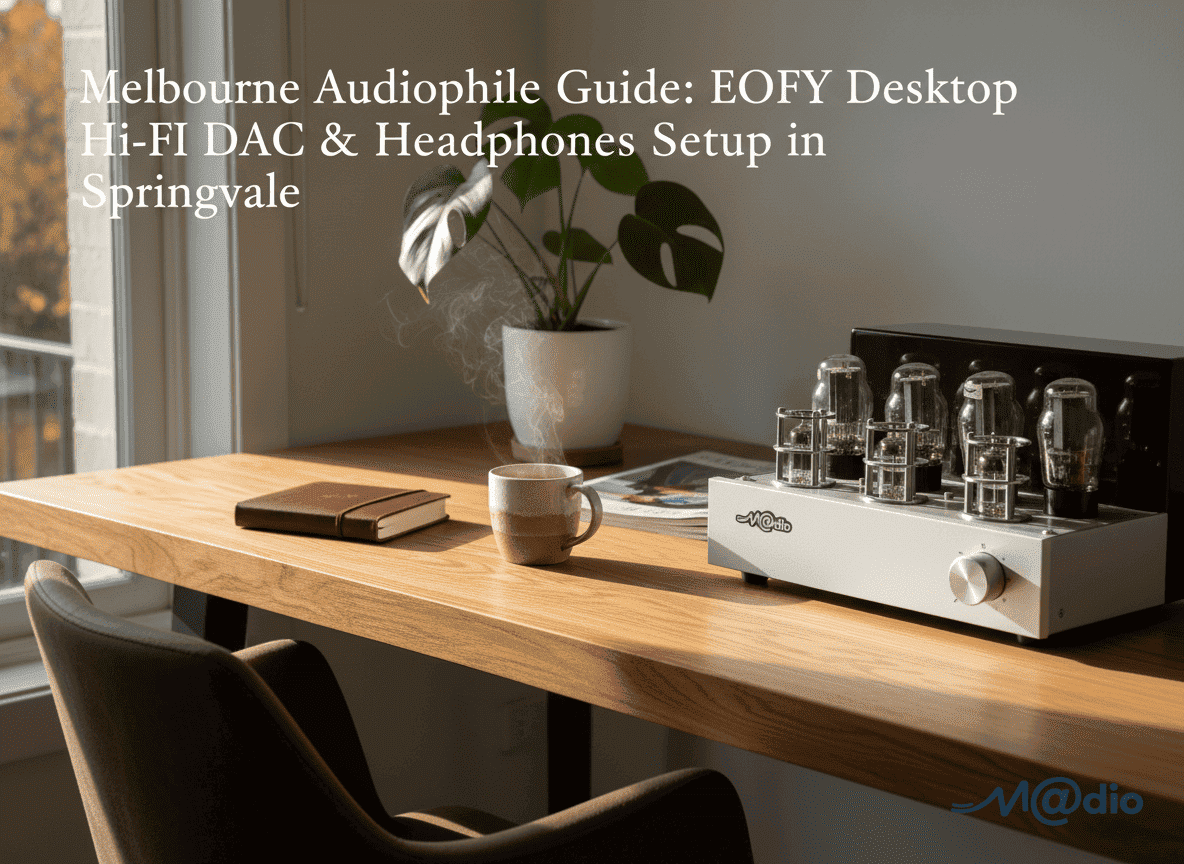
Melbourne Audiophile Guide: EOFY Desktop Hi-Fi DAC & Headphones Setup
With the Australian End of Financial Year (EOFY) rapidly approaching before June 30, Melbourne’s remote professionals are uniquely positioned to claim tax-deductible upgrades for their hybrid workspaces. While ergonomic chairs and monitors are standard, elevating your daily workflow requires addressing a hidden source of exhaustion: listening fatigue. Upgrading to a premium desktop Hi-Fi setup is the ultimate investment in deep focus.
Moving Beyond the Wireless Headset
Standard consumer wireless headsets rely on lossy Bluetooth compression and underpowered internal components, resulting in a muddy, congested sound profile. Over an eight-hour workday, your brain works overtime to process this lack of clarity, leading to subconscious fatigue. Transitioning to a dedicated, high-resolution desktop stack—featuring a compact DAC, a robust headphone amplifier, and premium planar magnetic headphones—unveils a massive, effortless soundstage that keeps your mind engaged and relaxed.
The Trap of EOFY Online Audio Bundles
During sale season, the internet is saturated with pre-packaged “audiophile starter bundles.” While the discounts are tempting, these blind buys harbor a significant risk. A specification sheet cannot predict the acoustic synergy between a specific DAC, an amplifier, and your chosen headphones. A highly-rated, transparent DAC paired with a clinical solid-state amplifier might sound incredibly detailed to one reviewer, but present as a harsh, fatiguing treble spike to your unique ears.
Impedance Matching and True Synergy
True high-fidelity audio is a delicate mathematical and acoustic balance. The most critical technical factor is the relationship between your amplifier’s output impedance and your headphone’s impedance. If the amplifier’s impedance is too high, it loses its electrical grip over the headphone drivers. This destroys the “damping factor,” resulting in sluggish, bloated bass that ruins the entire audio profile. Because these nuances are highly subjective and technically precise, researching community insights and evaluating peer experiences is absolutely essential.
Headphone Impedance Matching Calculator
Curating the perfect WFH sanctuary requires moving beyond the spec sheet. To ensure your tax-deductible investment yields a sound signature that enhances your focus rather than hindering it, thorough online research and cross-referencing peer reviews is paramount.
Frequently Asked Questions
Why upgrade from a wireless headset to a desktop DAC/Amp?
Wireless headsets are limited by battery size and Bluetooth compression. A dedicated desktop DAC and Amplifier bypass these limitations, delivering pure, uncompressed audio with the immense electrical power required to drive premium, high-resolution headphone drivers without distortion.
What is amplifier output impedance matching?
Impedance matching ensures electrical compatibility. As a general rule, your amplifier’s output impedance should be no more than 1/8th of your headphone’s impedance. This ensures the amplifier can properly control the driver, delivering tight bass and clear dynamics.
Why should I avoid buying pre-packaged EOFY audio bundles online?
Retail bundles are often assembled to clear inventory rather than to provide acoustic synergy. A mismatched DAC and amplifier can result in a fatiguing sound signature. Engaging with online audio communities to verify the synergy of specific pairings helps ensure the tonal balance matches your personal hearing preferences.
Use a four-column listening sheet for desktop comparisons
Before comparing two available desktop paths, create four columns: recording, setting, observation and repeat result. This prevents a change in the track or application from being mistaken for a change in hardware. Keep the same headphones and listen to a brief, familiar excerpt rather than a different album on each path.
- Write down the recording version and the start and finish times of the passage. Include a voice, a bass phrase and a quiet ending across your small selection.
- Record whether equalisation, widening or loudness normalisation is enabled. Keep those settings unchanged for the first comparison.
- Begin at low volume on each path and bring them to a similar perceived loudness. If you cannot do that reliably, mark level matching as approximate.
- Describe one specific event, such as a consonant or the end of a bass note, then return to the first path. Use 'not repeatable' when the earlier description does not hold.
Peak level and perceived loudness are not interchangeable; the official loudness-normalisation manual explains the different targets. There is no need to edit your music library for this exercise.
Comparison sheet FAQ
Does the same volume-knob position mean equal loudness?
No. Treat each output separately and avoid giving a louder presentation an automatic preference.
What counts as a useful result?
A repeatable observation or a clearly documented control difference is useful. If you cannot distinguish the paths consistently, that is a valid finding, not a reason to invent a more elaborate description.