
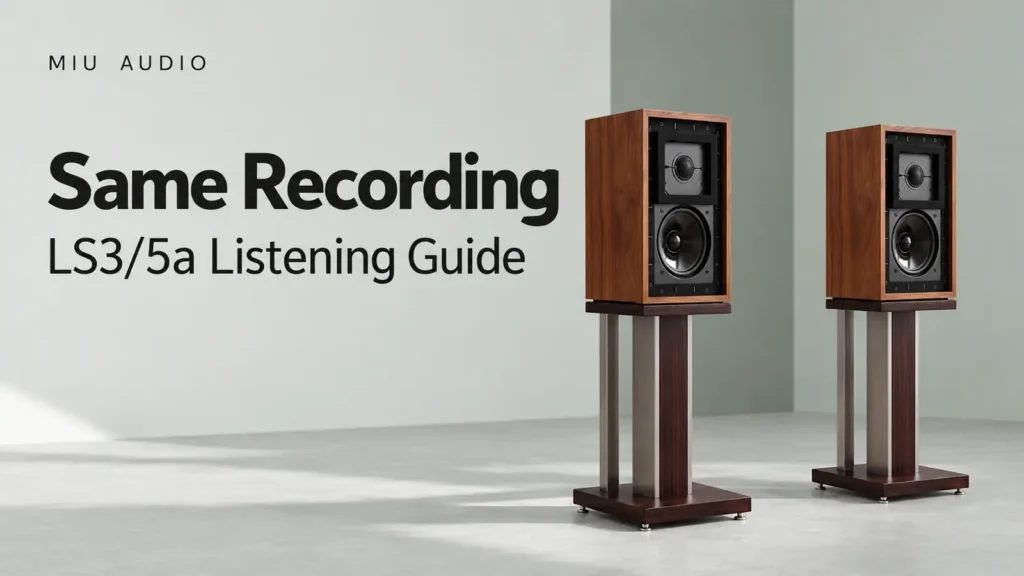
Before deciding that your LS3/5a system sounds different, check that you are playing the same recording edition. An album title alone is not enough: a remaster, live release, compilation or alternate mix can change the comparison. Record the release details and playback settings first, then compare the same passage. This keeps a discussion about the loudspeaker from becoming an accidental discussion about two different recordings.
Build a small recording identity card
For a streamed track, note the artist, album title, track title, displayed release information and duration. Save the album link where the service provides one. For a local file, note which release it came from and retain the original file. Do not rewrite tags or replace the file halfway through an equipment comparison.
These details do not prove that two files share a master. They do make obvious substitutions easier to spot. If a favourite song moves to a compilation, check before assuming it is the same version. Where provenance cannot be confirmed, call the comparison an edition comparison rather than an equipment test.
Keep app behaviour in the record
Playback settings matter to the question you are asking. Spotify describes volume normalisation as balancing the levels of songs. Note whether that function is enabled, but do not assume the same control exists or behaves identically in every app. Read the current help for your own service rather than copying a setting name from an old screenshot.
Also note any equaliser, spatial processing, crossfade or automatic queue feature you deliberately use. The purpose is not to demand one supposedly perfect setting. It is to avoid changing the recording, processing and equipment together while attributing the result to only one of them. Leave settings you cannot identify alone until you understand their role.
Choose a question before pressing play
An edition comparison can be enjoyable in its own right. You might prefer the balance of one release, or find an alternate performance more engaging. That is different from asking whether moving the LS3/5a pair changed the presentation of a fixed source. Write the question at the top of the note so that you do not switch between those two purposes unknowingly.
For a setup check, choose a short passage and use the same release for the before and after passes. Keep the playback level comfortable and consistent. If an app replaces the version or inserts unrelated material, stop the comparison and resolve that change first. There is no benefit in finishing a test whose starting conditions have disappeared.
Describe the recording, not an imagined mechanism
If you intentionally compare two editions, note audible impressions in ordinary language: the vocal appears more prominent, the pause before the final section is different, or one version feels more energetic. Do not turn these observations into claims about a specific mastering process unless reliable release information supports that claim.
Likewise, hearing a difference does not demonstrate a particular bit depth, sample rate or file format advantage. A comparison involving unknown masters cannot isolate those variables. Keep the conclusion narrow: you preferred one available version under the conditions recorded. That is an honest result and a useful starting point for another session.
Keep a reusable release note
Create a short entry with the album link, the exact track, the selected passage and the relevant app settings. Add the date because catalogues and interfaces can change. For a later LS3/5a session, check the entry rather than trusting that a playlist still contains the same release. Do not share account credentials when exchanging the note.
Explore the model through LS3/5a product information, and find other Miu Audio listening guides. The Australian site provides product guidance, not checkout. Contact Miu Audio when an equipment-specific question remains unresolved.
Frequently asked questions
Is the same song title enough for a fair comparison?
No. Check the album, displayed release details, duration and source link. If you cannot establish that the edition is the same, do not treat the result as an isolated test of the equipment.
Should normalisation always be switched off?
This guide does not prescribe one universal choice. Understand the setting in your service and keep it consistent for the comparison you are making. Record it so that another session can use the same starting point.
Can I compare two remasters on LS3/5a?
Yes, as a personal comparison of the recordings. Keep the purpose clear and avoid claiming that the result establishes a technical superiority of the loudspeaker or an unknown mastering process.
What if my streaming service changes the available release?
Record the new release information and establish a fresh reference. Do not combine notes from uncertain editions as though the source stayed unchanged throughout the test.
Sources and scope
Miu Audio Featured Products supplies model context. Spotify Volume Normalization explains that app feature. The recording-identity workflow is an editorial method, not a laboratory test or a claim about any release's mastering.