
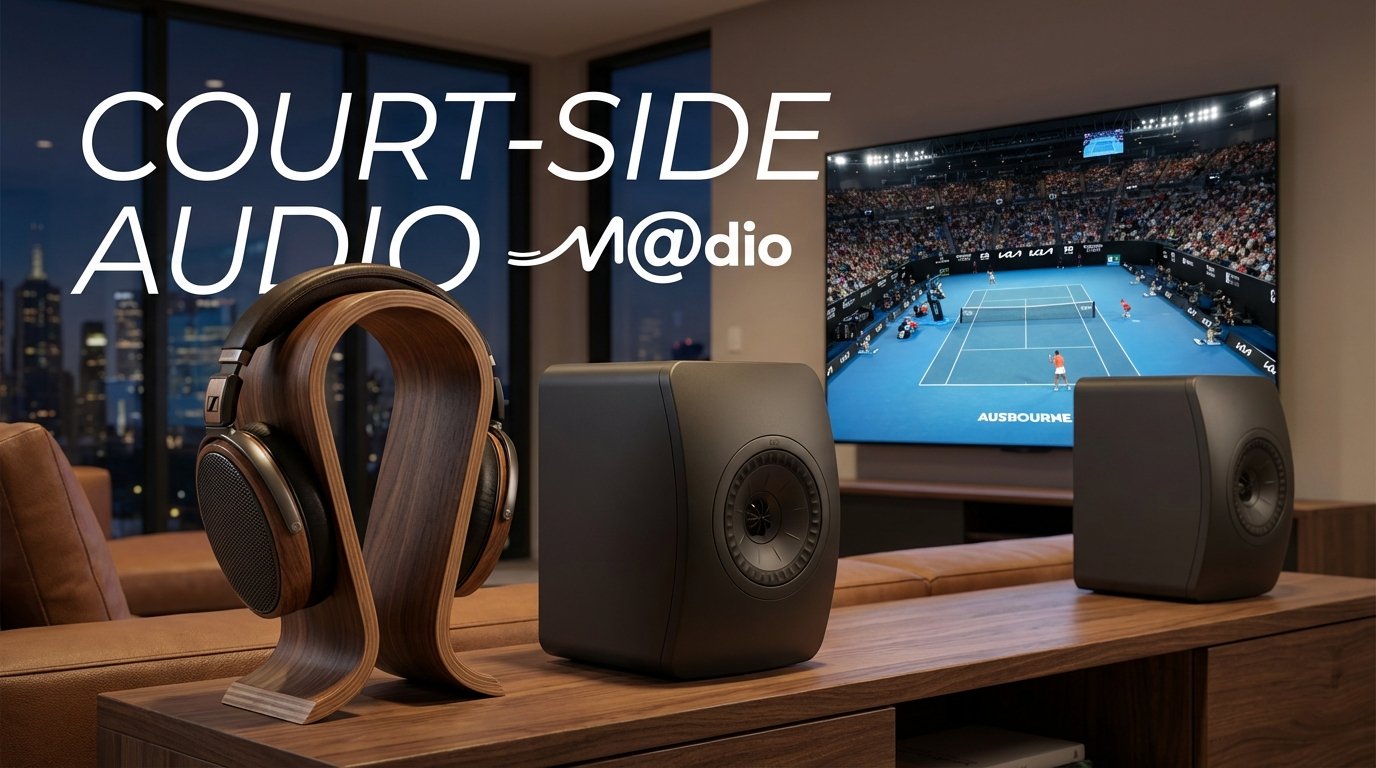
Court-Side Audio: Experience the Australian Open Finals Like You’re There
Melbourne is buzzing. You can feel the energy radiating from Melbourne Park all the way to the suburbs. But if you aren’t one of the lucky few sitting in Rod Laver Arena this weekend, you are likely relying on your TV to convey the drama. The problem? Standard TV audio is flattening the experience. To truly hear the squeak of the sneakers, the sheer velocity of the serve, and the roar of the crowd, you need an audio setup that breathes.
Why Your TV Speakers Miss the Match Point
Television manufacturers prioritize picture quality over sound. The built-in speakers are often downward-firing and lack the dynamic range to separate the sound of the ball hitting the racquet from the background ambient noise. The result? A muddy, two-dimensional soundstage that keeps you on the couch, rather than transporting you to the court.
The Solution: Immersion Through Precision
1. Open-Back Headphones: The Personal Box Seat
For the solitary viewer who wants absolute detail, open-back headphones are the gold standard. Unlike closed-back models, the “open” earcups allow air to pass through the driver. This creates a wider, more natural soundstage. You’ll hear the spatial cues of the stadium—the echo, the distance of the crowd—making it feel like you are sitting right behind the umpire.
2. Dynamic 2.0 Speaker Systems: Stadium Atmosphere
Watching with friends? A pair of high-quality active speakers (a 2.0 setup) provides proper stereo imaging. By placing speakers on either side of your screen, you create a “phantom center” image. When the ball is smashed from left to right, your audio follows the action with precision, adding a physical weight to every volley that a soundbar simply cannot match.
🎾 Match Point: Find Your Ideal Setup
How do you plan to watch the Finals?
Explore the Setup Online
Reading about sound is one thing; knowing how to assemble it is another. By engaging with online audio communities and researching setup galleries, you can discover specific DAC/Amp stacks to power your headphones or room-filling speaker systems. We encourage you to seek out peer recommendations and share your passion for live sports audio with the enthusiast community.
Frequently Asked Questions
Do I need a subwoofer for watching Tennis?
Not necessarily. While a subwoofer adds rumble for movies, tennis relies more on mid-range clarity and transient speed (the “snap” of the ball). A high-quality 2.0 stereo pair is usually sufficient and offers better imaging.
Are open-back headphones suitable for a noisy house?
Open-back headphones leak sound in and out. If your environment is noisy (kids, traffic), you might lose immersion. In that case, we can recommend exploring high-end closed-back alternatives that still offer great soundstage through online reviews.
Can I connect these speakers directly to my TV?
Yes! Most active speakers feature Optical (Toslink) or HDMI ARC inputs, making them easy to integrate directly with your modern TV for an instant audio upgrade.
A pre-match check for clear commentary and crowd sound
Before changing equipment, establish what your broadcast and television actually deliver. Court microphones, commentary mixing and the selected soundtrack all influence what reaches your ears. A stereo pair cannot guarantee that a ball will audibly travel with the picture, and headphones cannot recreate information absent from the broadcast.
- Use a replay containing commentary, a rally and applause. Keep this same passage for each adjustment rather than comparing different live points.
- Check the television's output menu and both devices' manuals. Optical and HDMI ARC are not universal speaker inputs. Confirm the receiving device accepts the selected signal format; never assume that matching sockets establish compatibility.
- Begin with optional surround simulation and dialogue processing unchanged, then compare one setting at a time. Note whether words become easier to follow, not merely louder.
- For speakers, measure equal distances to the central seat and keep their heights comparable. Check commentary from the end seats too: a phantom centre is most dependable around the central listening position.
- Check picture-to-sound timing with a close view of a presenter speaking. If adjustment is available, follow the television's instructions and retain the original setting so you can undo the change.
Match-viewing questions
Should I raise the volume for every quiet rally?
No. Leave room for applause and commentary peaks. Start quietly and avoid chasing every change in the broadcast mix.
Can I judge a connection by its connector alone?
No. Record the exact output, cable, input and supported audio format before connecting. A headphone output, line output and digital output have different roles.
What if the room becomes noisy during the match?
Try a quieter seat or suitable headphones instead of competing with conversation. Pause for breaks during a long broadcast.
Background: stereo placement principles and safe listening guidance.