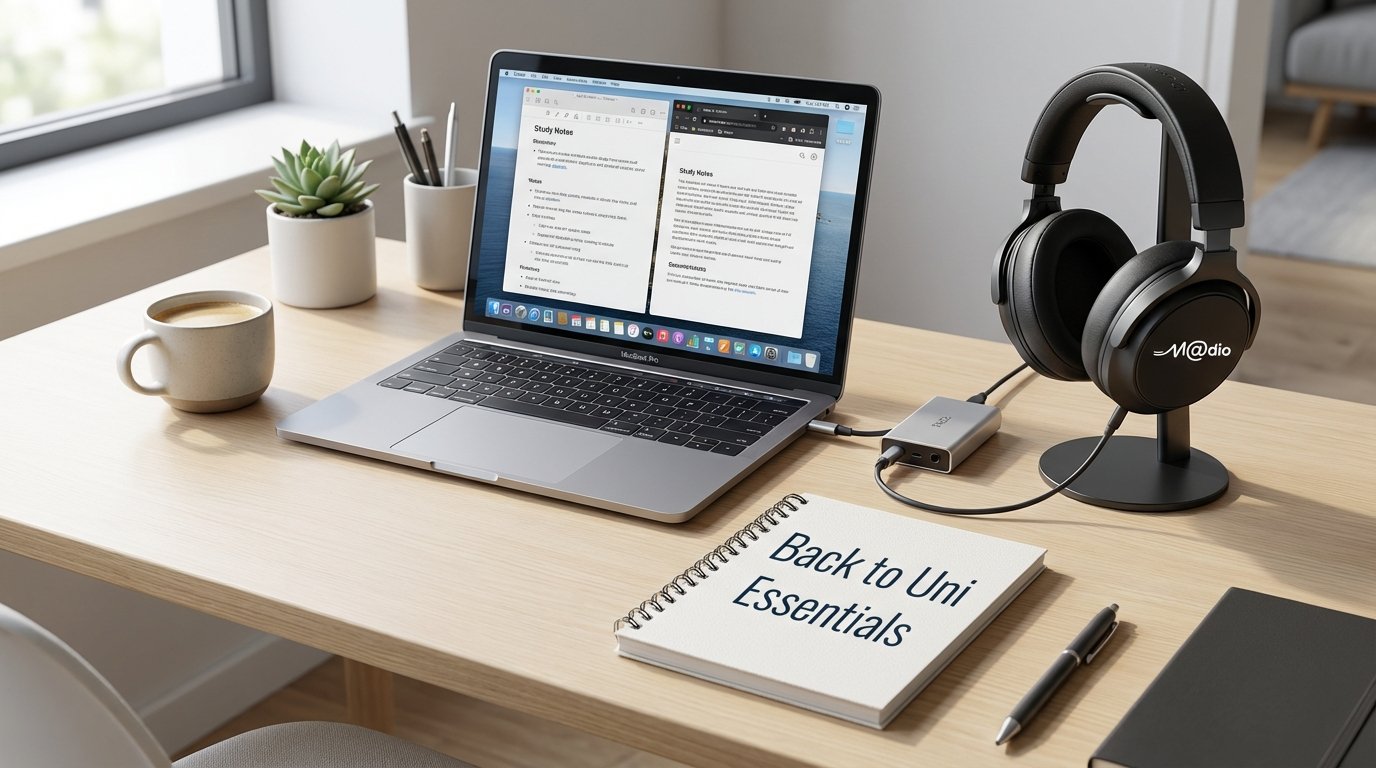
O-Week is approaching, and the libraries at UniMelb, Monash, and RMIT are about to fill up. As you prepare your schedule for Term 1, there is one piece of equipment often overlooked: your audio setup. For students and researchers, “Deep Work” is essential. But relying on generic, noise-cancelling earbuds might actually be hurting your focus. It’s time to upgrade your desk for serious productivity.
Why “Audiophile” Means Better Grades
It sounds like a stretch, but hear us out. Standard consumer earbuds often boost bass heavily and use aggressive Active Noise Cancelling (ANC). Over long study sessions, this creates “ear fatigue” and a subtle feeling of pressure on the eardrums.
An audiophile-grade desktop setup focuses on clarity, separation, and comfort. When you can hear your “lo-fi study beats” or classical playlist with crystal clarity, it becomes a backdrop for focus rather than a distraction.
The Essentials for a Dorm or Desk
1. Closed-Back Headphones: The Sanctuary
Unlike open-back headphones which leak sound, closed-back headphones seal you in. They provide excellent passive noise isolation without the electronic “hiss” of cheap ANC. Look for models with plush memory foam pads—if you are writing a 3,000-word essay, you need headphones you can wear for four hours straight without pain.
2. The USB DAC/Amp: Small Device, Huge Difference
Your laptop’s headphone jack is often an afterthought, plagued by electronic interference. A compact USB DAC (Digital-to-Analog Converter) acts as an external sound card. It cleans up the audio signal before it hits your headphones. The result? a blacker background and zero static hiss. Plus, many modern “Dongle DACs” are the size of a USB stick, perfect for throwing in your backpack.
🎓 Study Setup Matcher
Select your primary study zone:
Invest in Focus
You invest in a good laptop and ergonomic chair; your ears deserve the same respect. A proper desktop audio system transforms your study space into a zone of pure concentration. Come visit us in Springvale to test which setup helps you get in the zone.
Frequently Asked Questions
Are closed-back headphones better than noise-cancelling earbuds?
For sound quality and long-term comfort, usually yes. While ANC earbuds cancel drone noise (like bus engines), closed-back headphones offer natural isolation and superior detail without the battery anxiety.
Do I really need a DAC for a MacBook?
MacBooks have decent audio, but a dedicated external DAC/Amp provides more power (for harder-to-drive headphones) and a lower noise floor, revealing details in high-res music files that the internal chip misses.
Can I use these headphones for gaming too?
Absolutely. High-end closed-back headphones offer precise imaging (directionality), which is excellent for competitive gaming after the study session is done.
Run a study trial before changing the audio chain
Audio equipment cannot promise better grades, and a dedicated DAC is not a compulsory university accessory. Begin with the headphones and computer you already own. The useful question is whether this arrangement supports the particular task without discomfort or unnecessary distraction, not whether it carries an audiophile label.
- Choose two comparable reading or revision tasks. Complete one in quiet and the other with familiar music at a modest level. Note interruptions and whether you can explain what you read afterwards. Treat this as a personal preference check, not a scientific productivity result.
- Test a recorded lecture separately. Confirm speech is intelligible, the left-right balance is centred and the player has selected the intended output. If speech is unclear, check the recording and playback settings before blaming the converter.
- With playback paused at your ordinary listening setting, note any audible noise. Check whether the problem occurs in another application or with another known-working headphone. Do not turn the system to maximum simply to search for hiss.
- Practise a video call. Test microphone selection, mute and incoming-call level. A headphone socket or USB music device does not automatically provide the microphone routing your classes need.
- Save one dependable study configuration and keep the desk free of cable strain. Add equipment only when you can name the missing connection, insufficient usable level or repeatable fault it would address.
Student setup questions
Does every laptop need an external converter?
No. Built-in capability varies. Check your exact computer's documentation rather than assuming that an internal headphone output is inadequate.
Should I ignore discomfort to finish a lecture?
No. Stop, adjust the fit and use the recording's pause function. Quiet breaks are more sensible than forcing a longer session.
Can an impedance-only quiz choose my amplifier?
Not reliably. Obtain the headphone's sensitivity information and the amplifier's specifications for the relevant load as well.
Technical context: an example of documented built-in conversion capability and headphone load and amplifier requirements.